Plan and buy.
Production planning covers future crops, planting schedules, and materials. Purchasing can track preferred vendors and current item prices.
Explore Winplant
Winplant connects crop records, orders, pulling, loading, and delivery. Choose a step to see what the software supports, then bring your own workflow to a walkthrough. Photos and sample records illustrate the work.
Request a walkthrough
01 Inventory
Winplant records crops, locations, planting and ready dates, plus moves and notes, with Android tools for field updates. Sales staff can review the current record before committing an order.
Discuss inventory
| Plant | Location | Size | Example qty |
|---|---|---|---|
| Hibiscus | Block A | 3 gal | 40 |
| Hydrangea | House 2 | 5 gal | 24 |
| Juniper | East Yard | 7 gal | 18 |
02 Orders
Winplant captures orders and allocates inventory, with optional web ordering and emailed acknowledgements. The team can see which crops are committed before pulling starts.
Discuss order intake
03 Pulling
Pick tickets and electronic pull lists bring order details into the growing area, including on Android devices. Crews can record what they pull so the office can review the count.
Discuss pulling
04 Loading
Load sheets and Android loading tools connect pulled plants to the vehicle; Winplant also lists rack tracking and live truck inventory. Staff can check what is on a truck before it leaves.
Discuss loading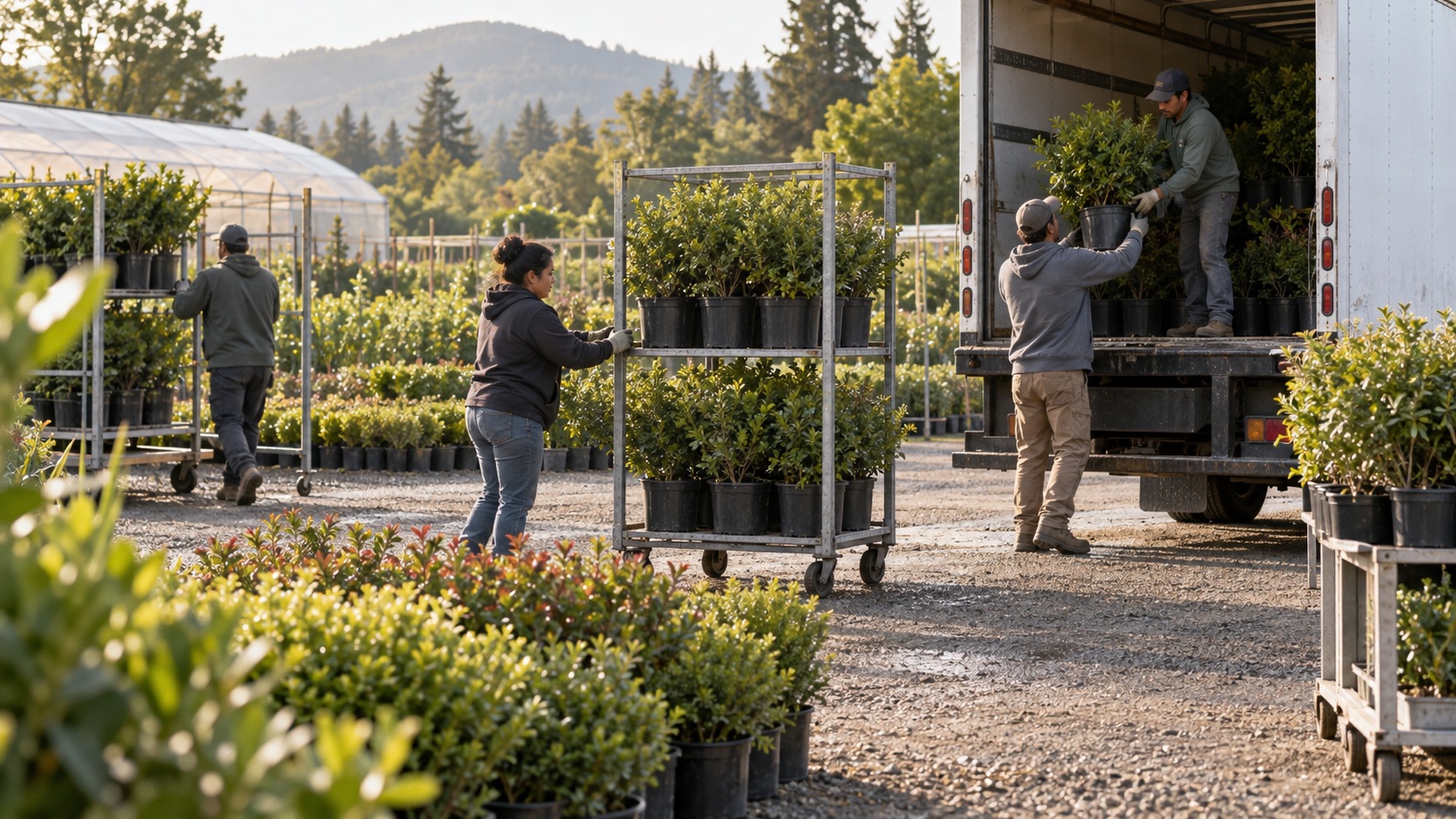
05 Delivery
Visual routing groups orders into stops and uses Google Maps for directions. Winplant lists pre-delivery texts and driver-captured signatures to record the customer handoff.
Discuss delivery
Mobile through the workflow
Winplant’s published mobile tools are Android based. They bring nursery work into the growing area, onto the loading dock, and out with the driver.
Ask which Android apps and devices fit your team’s workflow during a walkthrough.
Ask about mobile tools
Beyond the delivery route
Winplant’s published feature set also covers work before plants are ready and the business decisions that follow a sale. The right mix depends on the nursery.
Production planning covers future crops, planting schedules, and materials. Purchasing can track preferred vendors and current item prices.
Use prebuilt reports or design reports with charts and pivot tables to examine nursery operations and business results.
Winplant describes accounting tools, an optional QuickBooks integration, and retail point of sale with separate retail inventory by location.